2026-09-23
Stream widgets for players and squads
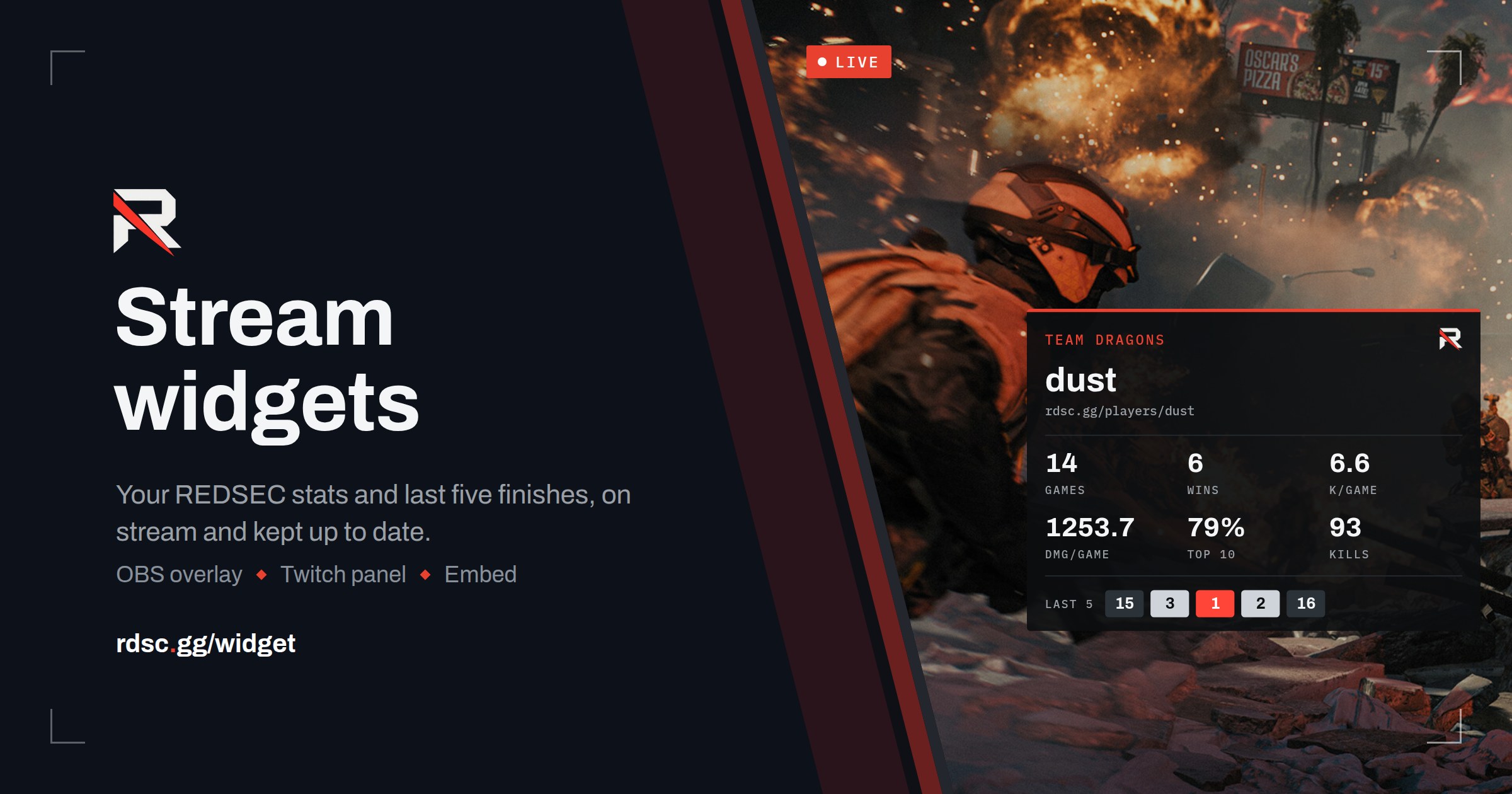
If you stream REDSEC, you can now put your record on screen. Go to rdsc.gg/widget, type your player name or your squad’s, and pick yourself from the list.
You get three things:
- An OBS overlay. Add it as a Browser source. It shows six stats and your last five finishes, and it checks for new results every five minutes, so it keeps up through a cup day. Use the card for a corner of your scene or the bar along the bottom.
- A Twitch panel. Download the image and add it under your stream from About → Edit panels. It links to your profile. Twitch panels can’t update themselves, so grab a fresh one after each cup.
- An embed. Copy the iframe code into your own site.
Players get games, wins, kills per game, damage per game, top 10 rate and total kills. Squads get average placement in place of damage, plus their ranking. Every widget prints your profile address, so viewers can look you up.
The numbers come from the same results as the rest of the site. If one looks wrong, tell us on Discord and we’ll correct the result itself.